Remote controls, wall switches and smart home links
Fit the wall switch. The remote is always in another room, and the app depends on a hub being up.
Part of our Electric and Opening Rooflights guide
Three ways to operate an electric rooflight, and most installations should have at least two.
Handheld remote
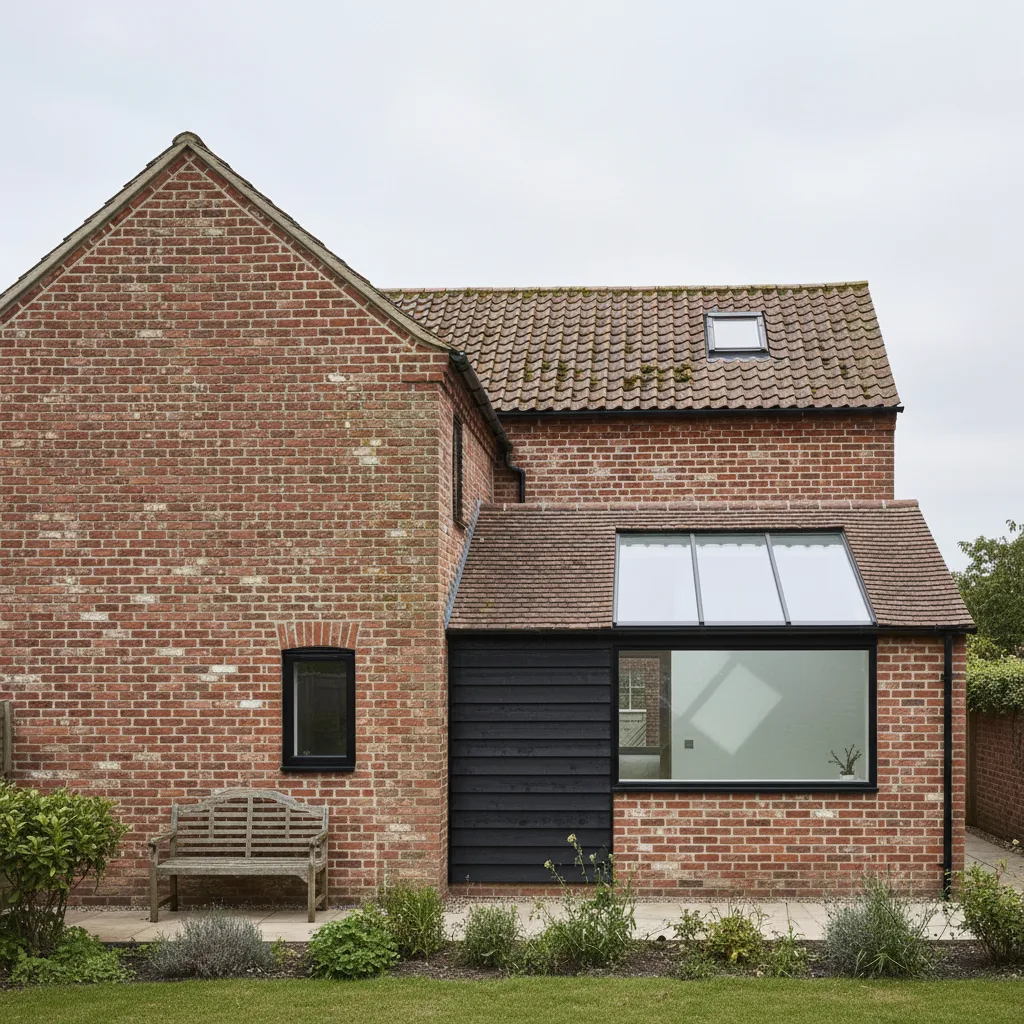
Supplied with most systems. Convenient, and permanently missing. One remote can usually control several units individually or together, which is genuinely useful in an open plan space with two or three rooflights.
Keep a spare. Pairing a replacement is usually straightforward but it is a job you do not want to do in a rainstorm.
Wall switch
The one people skip and then wish they had. It is always in the same place, anyone can use it without being shown, and it works when a battery is flat.
It needs a cable, which is why it has to be decided at first fix. Position it with the light switches at the room entrance rather than under the rooflight itself.
Our standard recommendation is a wall switch plus a remote. It costs very little more during a build.
Smart home integration
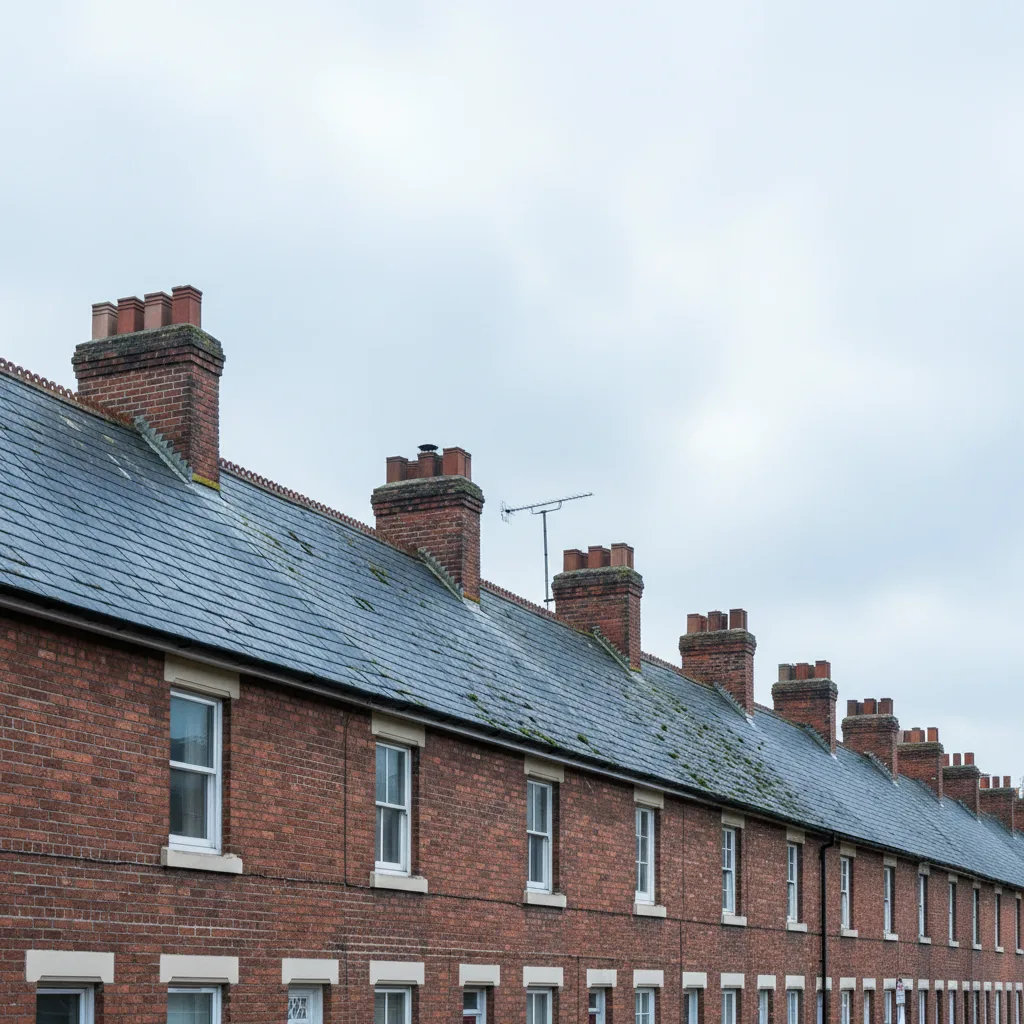
Most major systems now integrate with the common home automation platforms, giving app control, voice control, schedules and automation such as closing on a weather trigger or opening when a room reaches a temperature.
It works, and it is worth being clear about the dependency: a rooflight that opens by app is a rooflight that does not open when the hub is down, the network is out or the manufacturer changes an API.
A physical control alongside it is not a luxury.
Multiple units
Where several rooflights share a space, decide whether they should operate together or individually. Grouped is simpler day to day; individual gives control over draughts and which end of a room is ventilated.
Most systems do both, with the remote addressing them separately or as a group. Worth setting up at handover rather than living with a default.
Power cuts
None of these work without power. Know where the manual override is.
Three ways to operate a motorised rooflight
Most systems offer all three, and the sensible arrangement uses more than one. The failure modes are different, which is precisely the argument for not depending on a single method.
The handheld remote
What comes in the box, and permanently in another room.
That is not a joke. A remote is a small object in a house, and within a year it lives wherever it was last put down. On a rooflight that is meant to be opened routinely, that is the difference between a window used daily and one operated when somebody remembers where the remote is.
Remotes are also fiddly for anybody who is not the person who set the system up, they have batteries that go flat, and in a household with small children they are a toy.
Useful as an addition. Poor as the only method.
The wall switch
The one people skip and then wish they had.
It is always in the same place. Anyone can use it without being shown. It works when a remote battery is flat, when the network is down, and when the person who understands the app is out.
Position matters more than most people expect. It belongs beside the light switches at the room entrance, not under the rooflight. That is where people instinctively reach, and a switch across the room requires a decision rather than a reflex.
On a mains system it needs a cable, which is why the position has to be decided at first fix rather than later. On a solar system a wireless switch achieves most of it and needs no cable at all, and it is worth fitting rather than relying on a remote.
App and smart home control
Genuinely useful for three things.
Scheduling. Night purge is the killer application: open the rooflight late, let the heat accumulated through the day leave the building overnight, close it in the morning before the outside air warms. Doing that reliably by hand requires somebody to remember twice a day. Scheduling it means it simply happens.
Groups and scenes. Opening four rooflights at once, or combining windows with blinds so one command does both.
Checking from elsewhere. Confirming a window is shut when you are out, and closing it if it is not.
Where a manufacturer offers its own app with its own hub, integration with a wider smart home platform is usually available too, and the depth of that integration varies.
The dependency worth thinking about
A rooflight that opens by app is a rooflight that does not open when the hub is down, the network is out, an account will not authenticate, or a firmware update changes something.
Over a twenty five year life, none of those is unlikely. Roof windows outlast consumer electronics comfortably: the platform your window depends on today may not exist in that form in fifteen years, and the manufacturer may have moved to a different system twice by then.
That is not an argument against app control. It is an argument for treating it as an addition rather than as the means of operation, and for making sure the window has a physical control that works when nothing else does.
The rain sensor, which should not be optional
Separate from all of the above, and more important than any of them.
A rain sensor is a small detector on the frame that signals the actuator to close when it starts raining. It is what makes a motorised rooflight worth having, because a window you have to remember to close before rain is a window you leave shut.
Specify a local sensor wired to the unit rather than relying on an internet weather service. You want the window to close because it is raining on it, not because a forecast for the nearest town says it might.
It needs power, so in a mains cut it is out too. Solar units are unaffected.
And it needs cleaning. A sensor caked in grime either misses rain or reads permanent moisture from the grime and refuses to let the window open at all, which looks exactly like a motor fault. Wipe it when you clean the gasket.
Grouping, and how to get it right
Grouping is configured at the control unit rather than at the window, so it can be changed later without rewiring. What cannot be changed later is that each window needs its own cable back to the control unit.
Group by room. Grouping across rooms means opening a bedroom window when you wanted to air the kitchen.
Group by orientation. Units on different slopes want opening at different times, and grouping them removes the flexibility that made two units useful.
Keep the purge vent separate. Where one unit in a room is the high level vent for night purge and others are lower, that one may want operating independently.
On most systems a single rain sensor closes a whole group, so one sensor position has to represent the weather at all of them. Where units face different directions and one is sheltered, that is worth thinking about, and it is also worth knowing when diagnosing a fault: a whole group refusing to open usually means one dirty sensor rather than four failed actuators.
The manual override
The control method of last resort, and the one to establish at handover rather than in the dark.
Most chain actuators have either a detachable crank that winds the chain in by hand, or a release that disengages the actuator so the sash can be pushed closed.
Find out which yours is, have it demonstrated rather than described, confirm whether it can be reached from floor level or needs a pole, and confirm you actually own whatever it requires. Then put it somewhere memorable rather than in the packaging.
A chain actuator holds its position mechanically, so a power cut leaves the window exactly where it was. The scenario to plan for is open when the power goes and then it rains.
What we specify as standard
A rain sensor on any motorised unit, rather than as an option.
A wall switch wherever a cable can reasonably be run, beside the light switches at the room entrance.
App control offered on top of those rather than instead of them, with a plain statement at quotation stage about which parts of a system depend on a network and which do not.
And the manual override demonstrated at handover, with whatever it needs supplied rather than assumed.
The three layers of control
Handsets. Portable, battery powered, paired to individual units or groups. The most used control in practice, because they work from wherever you are.
The weakness is that handsets get lost, and their batteries fail at the least convenient time.
Wall switches. Fixed, either hardwired or wireless and battery powered. The advantage is that they cannot be mislaid and anybody in the house knows where they are.
Position matters. Put it where somebody standing in the room would reach for it, not where the cable run was convenient.
A gateway to a home network. Adds app control, scheduling, and integration with mainstream smart home platforms.
What scheduling genuinely adds
More than remote operation does, in practice.
A rooflight that opens for a purge in the early morning in summer, before anybody is up, cools a house far more effectively than opening it in the afternoon when the air outside is already hot.
A blind that closes automatically through the hottest part of the afternoon while the house is empty prevents overheating rather than dealing with it afterwards.
Neither happens reliably if it depends on somebody remembering.
Planning the groups
Groups are configured at commissioning, and on a hardwired system changing them afterwards means going back into the ceiling.
Group by room or by function: kitchen units together, bathroom on its own, landing on its own, and a master for the house.
The arrangement to avoid is everything on a single control. You cannot vent the bathroom without opening the bedroom, and within a year people stop using it.
What must still work when the network does not
The wall switch and the handset, independently of any gateway or cloud service.
Confirm that on the system you are buying. A rooflight that can only be closed through an app is a rooflight that cannot be closed when the broadband is down.
And the rain sensor operates independently of all of it, which is why it remains the safety layer rather than remote closing.
The physical items to plan
Where the gateway lives, because it needs power and a position within range.
Where the wall switches go, before the cables.
And a spare handset battery in the drawer, which sounds trivial and is the commonest cause of a rooflight that has stopped working.
Spare batteries and handsets
Keep a spare handset battery in the drawer and note the type.
A flat handset battery is the commonest cause of a rooflight that has apparently failed, and it is diagnosed by replacement rather than by investigation.
More on Electric and Opening Rooflights
Ready to bring the daylight in?
Tell us about your project and we’ll send a clear, fixed written quote, no pressure, no surprises.
- Fixed written price before any work starts
- No pressure, no obligation, no sales calls
- Flexible survey times that suit you
- A reply within one working day